Sweetbox | Flutter 50-in-1 Game Suite for iOS and Android
Fifty complete games in one Flutter workspace. Every game ships the screens a published title actually needs — splash through shop, plus consent, an age gate, hearts, pause, win, lose and settings — with banner, interstitial and rewarded placements already wired. Ship the whole suite as a hub app, or build any single game as a standalone release with one flag.
Flagship Games
Every card below opens that game's design kit — the screens as they were drawn, included with the package. They are pictures, not a playable build. To play the games themselves, install the Android demo.
Fifty kits shipped. Tell us which engine to extend and the next batch follows the same template.
Puzzle & Arcade Kits
Kits 11 – 25 · thirteen core screens each, sharing the same theme, ad slots and shop layer as the ten flagship kits.
Card & Board Kits
Kits 26 – 36 · classic tables and decks, same theme and monetisation layer.
Word, Quiz, Arcade & Idle Kits
Kits 37 – 50 · dictionaries, question banks, reflex loops and an idle economy.
What's Included
Layered architecture, null safe, 857 tests. One codebase for iOS and Android.
Banner, interstitial and rewarded placements wired in, plus an IAP shop with remove ads.
One token file drives colour, gel buttons, radii and motion across all fifty games.
Setup guide, store build steps, the licence register and the Firebase adapter, all in HTML.
How It Works
Three steps from download to a store build.
One Flutter project, fifty game modules, one shared theme and services layer. Run flutter pub get and the hub launches on a simulator straight away.
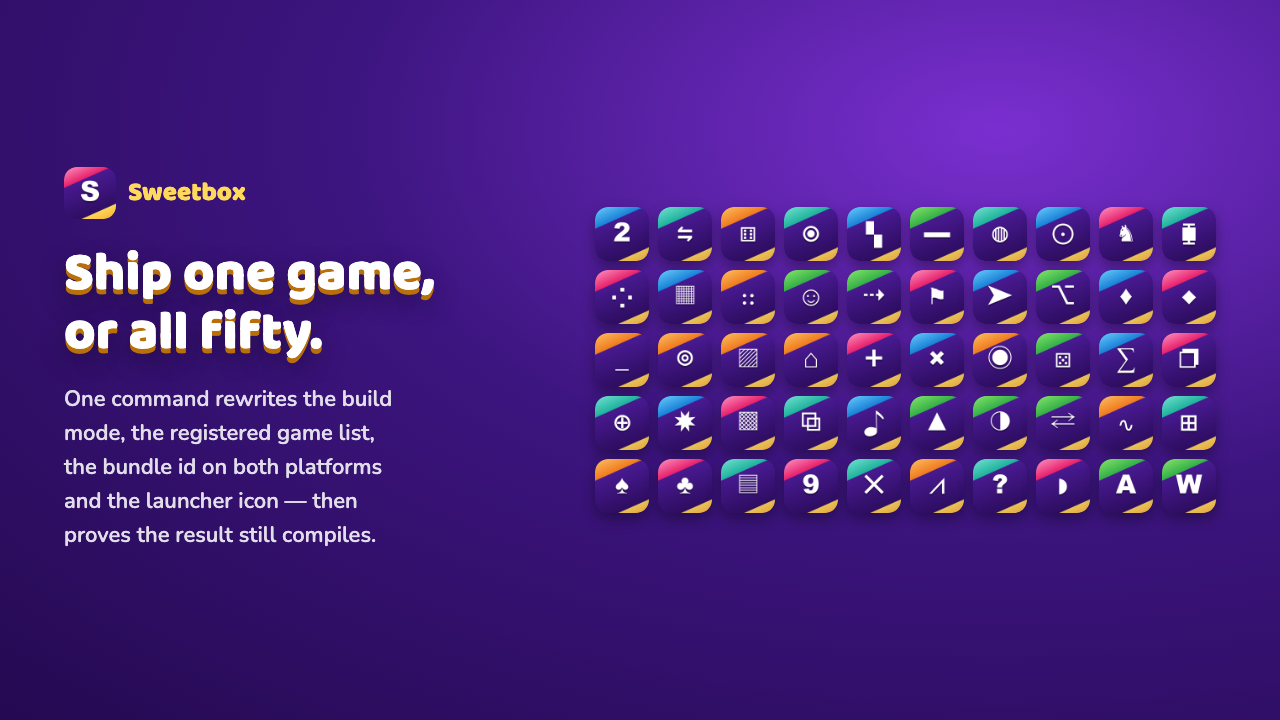
Ship all fifty games behind the hub, or any single title as its own app. Run tools/build_single.sh with a game name and it rewrites the mode, the registered game list, the bundle id and the launcher icons — or change one entry in app_config.dart.
Swap the app name, icon, colour tokens, ad unit IDs and store identifiers in one config file, then follow the documented build steps for each platform.
Publishing a Single Game
Every game is self-contained. Its engine and its two own screens live in a single folder. The other eleven screens, the theme and the services come from core/, theme/ and shell/. Run tools/build_single.sh with the game's name: it sets the mode, registers that game alone, rewrites the bundle id on both platforms, installs that game's icon and then runs the analyzer to prove the result still compiles.
const AppMode appMode   = AppMode.singleGame;
const GameId singleGame = GameId.sudoku;

const Backend backend   = Backend.local;
const bool adsEnabled   = true;
const bool iapEnabled   = true;
Specifications
These values match the constraints declared in pubspec.yaml and the shipped documentation.
Listing Images
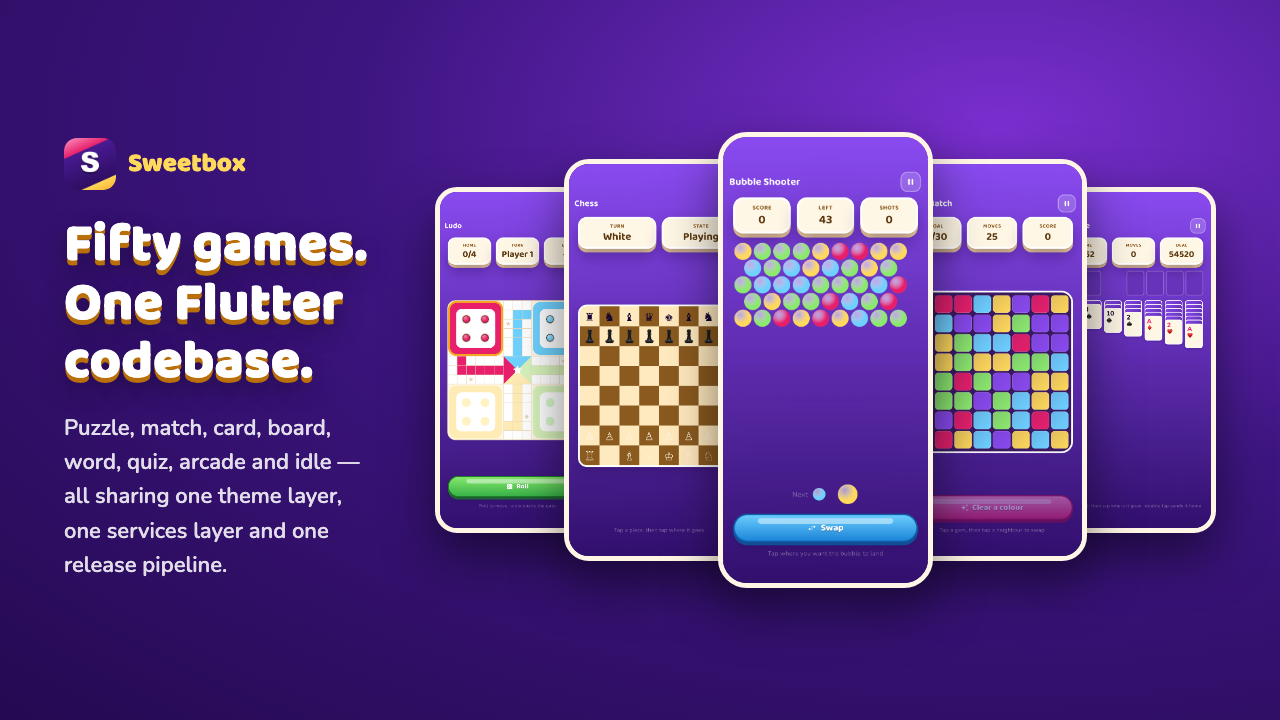
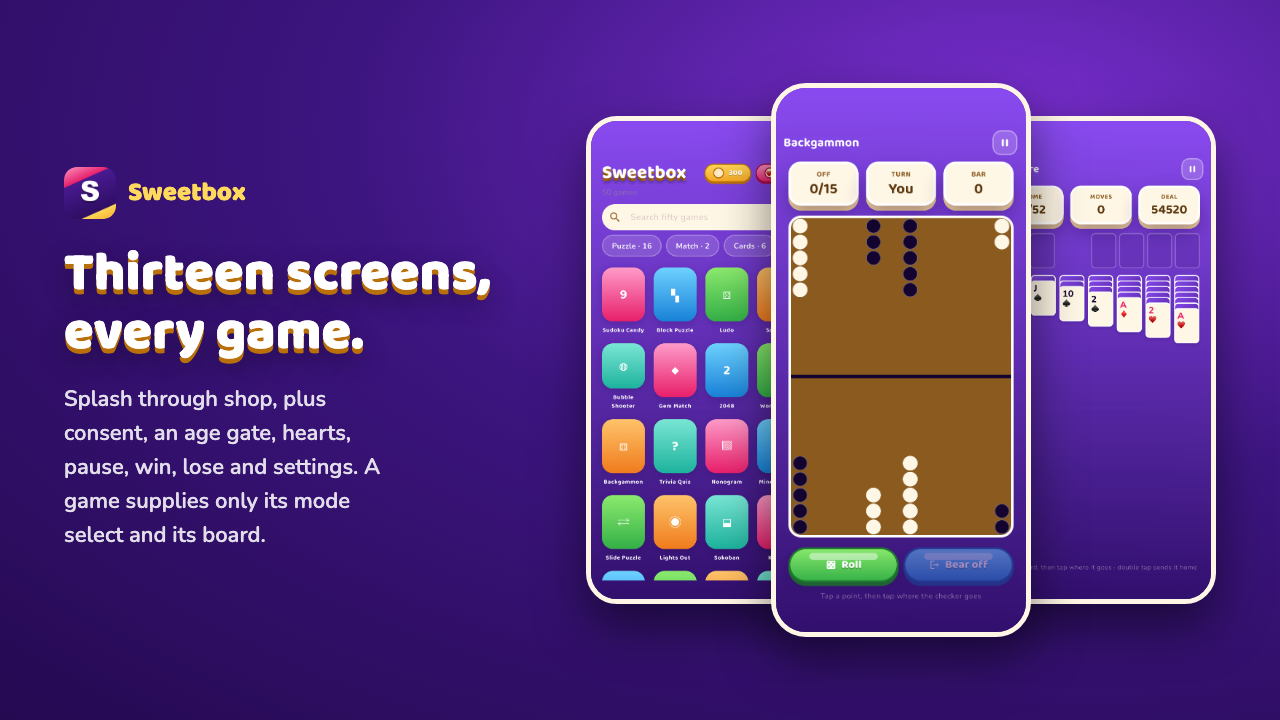
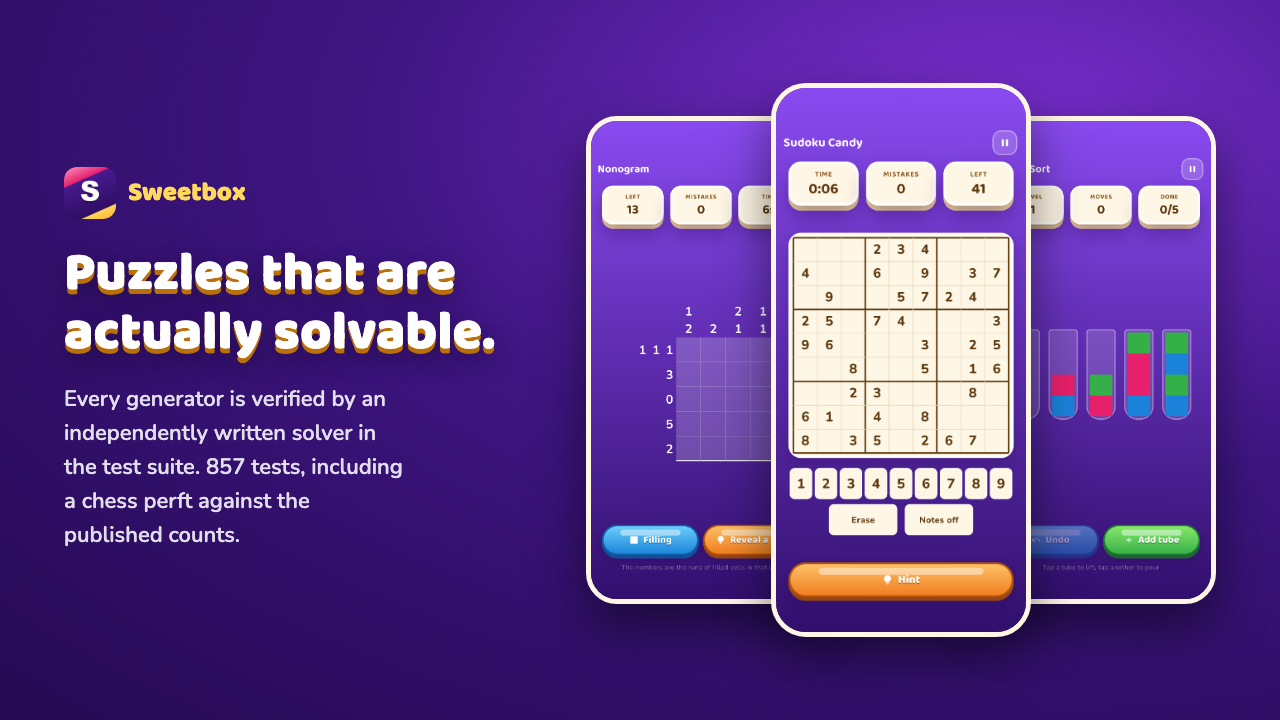
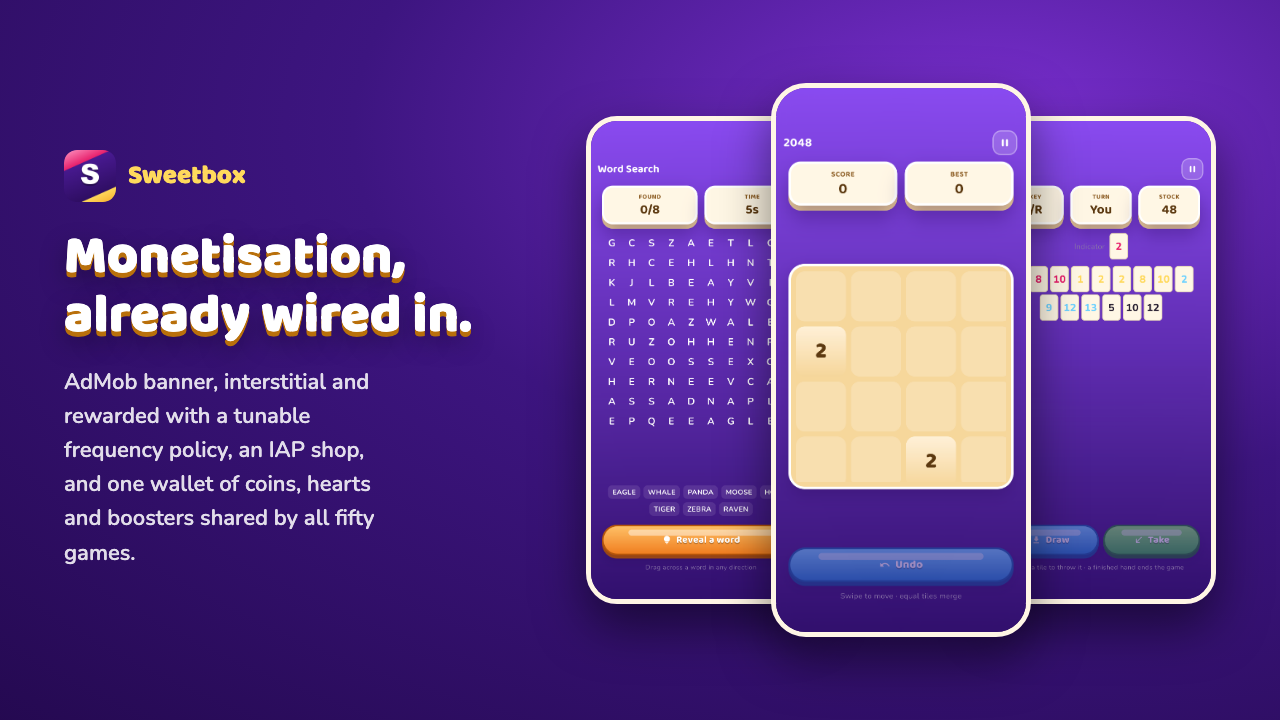
The five store cards, at the 1280 x 720 Envato asks for. The phones in them are screenshots of this build running on a device, taken by flutter drive — so a gallery image cannot drift from the app.
Frequently Asked Questions
Six answers that cover most pre-purchase questions.
Yes. Set the single game entry point, delete the folders you do not need, and build. The documentation walks through it folder by folder.
Flutter 3.44 and newer, with a Dart SDK constraint of ^3.12.2 in pubspec.yaml. The documentation states the same range.
No. Every game runs fully offline on device storage. Firebase is optional, and documentation/firebase.md carries the adapter source if you want cloud save and a shared score table.
The project ships with Google test ad units. Replace them with your own AdMob IDs in one config file before release.
One token file drives colour, gel buttons, radii, type and motion across all fifty games. Change it once and every screen follows.
Yes. The phones in every card above are captures of the app running on a device, produced by an on device test that also fails if the hub cannot open a game and deal a board.
License and Support
Sold under the standard Envato licenses. Support is handled directly by our team.
One end product that is free for users. Use it to publish your own titles with your own branding.
One end product that users may be charged for. Required if you sell access to the app itself.
Six months included, extendable to twelve. Free lifetime updates. Write to support@webkoding.com and we reply within one business day.
Listing under review. The purchase link goes live as soon as it is approved.